

Public
Buy a Service or Product
Buying on SKILLTUBE starts with a conversation. Follow these steps.
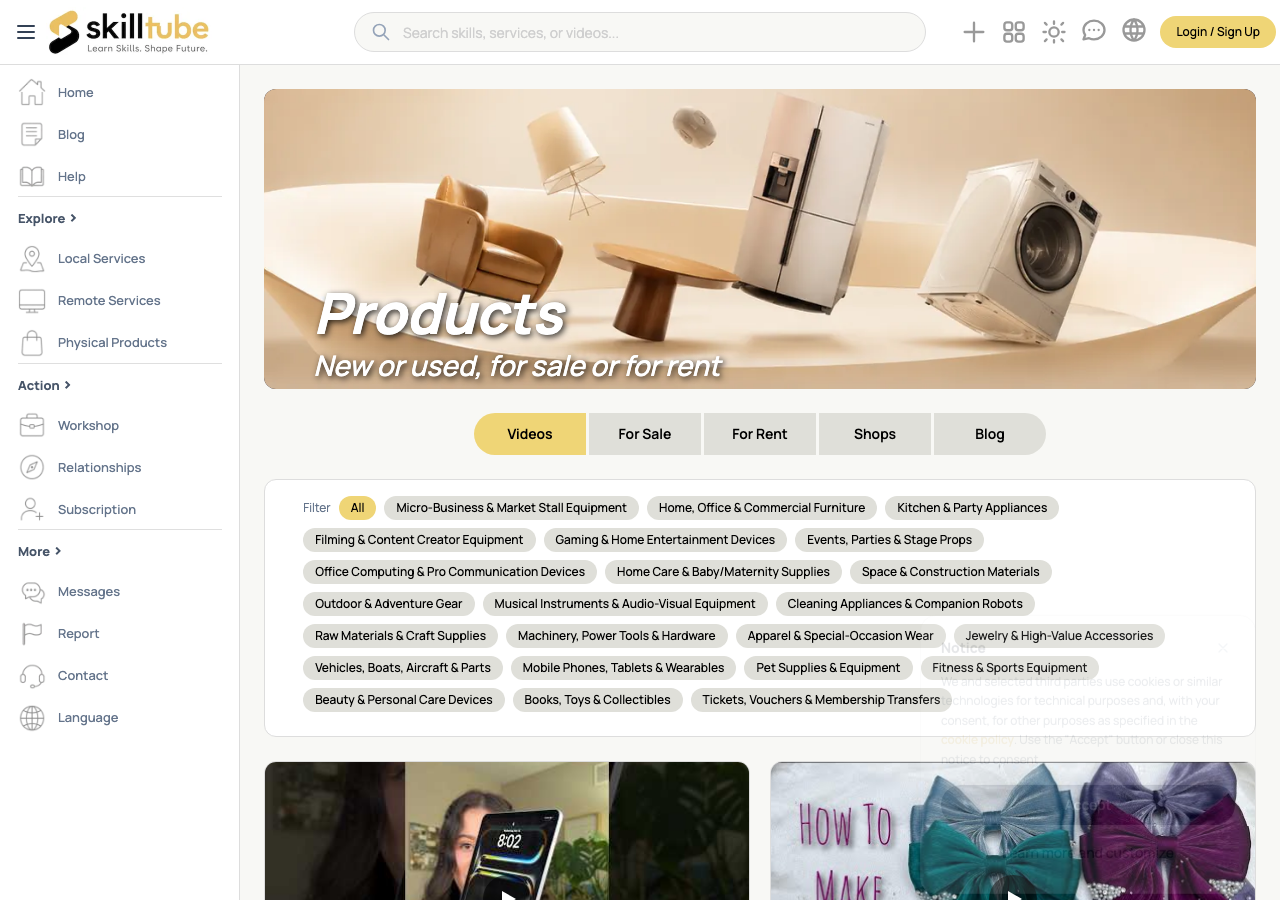
1. Find What You Need
- Browse categories to find a service or product — see Search and Browse.
- Open the item page to see the full description, images and price.
2. Check the Details
Before you commit, check:
- Price — the amount and unit, or Price on request
- Sale or rental — rentals show a deposit
- Legal age verification required — some items ask for an age check
- Seller — open their shop to see their rating and verification badge
3. Contact the Seller
- Click Communication at the top or bottom of the item page to open a chat.
- Ask any questions about scope, timeline or delivery.
- Keep important agreements in the chat — it protects both sides.
4. Agree and Order
- Confirm the scope, price and timeline in chat.
- Agree on the order with the seller and track it under Transactions in your Dashboard.
5. Receive and Review
- Review what was delivered and confirm acceptance.
- Ratings you give help other buyers choose well.
🔍 Tip: A quick chat before ordering avoids most misunderstandings.
Need help with this page?
Open the Report page to file a report or a support ticket — appeals are handled through the same form.