

Public
Getting Started with SKILLTUBE
Welcome to SKILLTUBE! This quick guide walks you through the essentials of using the platform.
Sign Up and Sign In
- Open SKILLTUBE and click Sign In in the top right corner.
- Choose Create Account and enter your email — or continue with Google or Facebook.
- Fill in your name and birthday, set a strong password and agree to the member rules.
- Check your inbox for a verification email and confirm it.
| Step | Action | Result |
|---|---|---|
| 1 | Click Sign In | Login form opens |
| 2 | Choose Create Account | Registration form opens |
| 3 | Confirm email | Your account is active |
🔍 Tip: Signing in lets you save Watch Later, History and Favorites across devices.
Browse Videos and Services
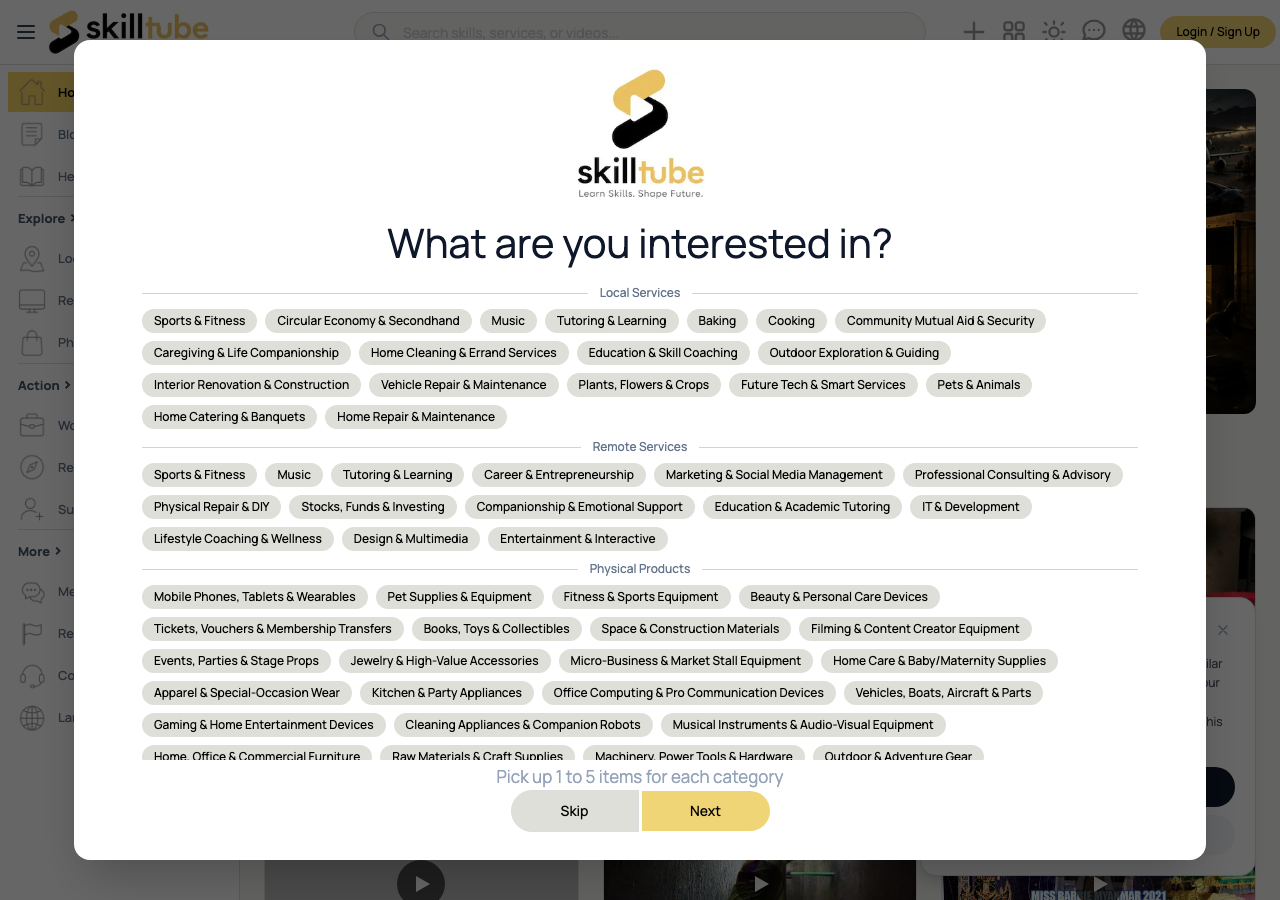
Use the sidebar to explore what SKILLTUBE offers:
- Videos — browse the full library, filtered by category
- Local Services / Remote Services — find nearby or online providers
- Physical Products — items for sale or rent
Click the search box at the top of any page to search videos, services, products, shops and articles. See Search and Browse for details.
Understand Your Account Level
| Level | Description |
|---|---|
| Member | Free account with basic browsing |
| Demander | Paid plan for posting requests and premium features |
| Service Provider | For merchants offering services and products |
| Golden Service Provider | Premium tier with the Golden brand and full matching |
Visit Membership Tiers for prices and benefits, or open the Subscription page directly.
Where to Get Help
- Use the search box above to find answers instantly.
- Related guides are listed under each article.
- For issues with an order or a listing, use the Report button below.
Need help with this page?
Open the Report page to file a report or a support ticket — appeals are handled through the same form.